

Milestones
· Pro · 2 min
Milestones need Pro or Premium. On Standard you can create them, but they will not display and rewards will not be awarded. A campaign can have up to 15 milestones. Use Create milestones to start and Add milestone for each one.
Milestone content
Section titled “Milestone content”Each milestone has a target, in the same unit as the campaign goal, and a Milestone content type.
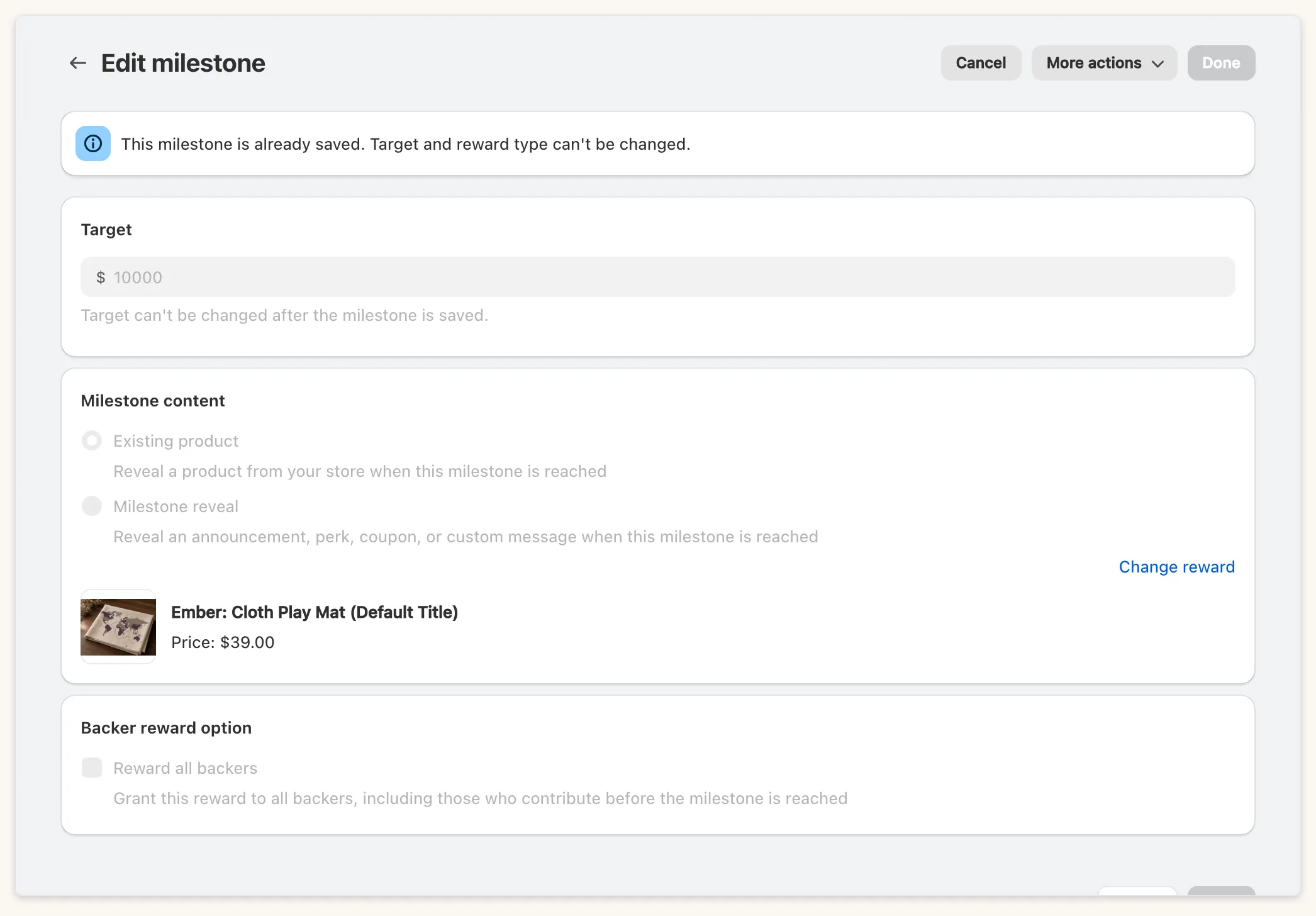
- Existing product: “Reveal a product from your store when this milestone is reached.” A product can be the reward of one milestone only.
- Milestone reveal: “Reveal an announcement, perk, coupon, or custom message when this milestone is reached.” It needs a cover image (.gif, .jpg or .png) and a title of up to 255 characters. Milestone reveal text is optional, with wording for before and after the target is reached.
Targets must be unique (“The target value already exists in the milestones”). Once a milestone is saved, its target and reward type cannot be changed. You can delete it unless the campaign has ended.
Reward all backers
Section titled “Reward all backers”For an Existing product milestone, tick Reward all backers under Backer reward option: “Grant this reward to all backers, including those who contribute before the milestone is reached”. It is off by default.
On the storefront
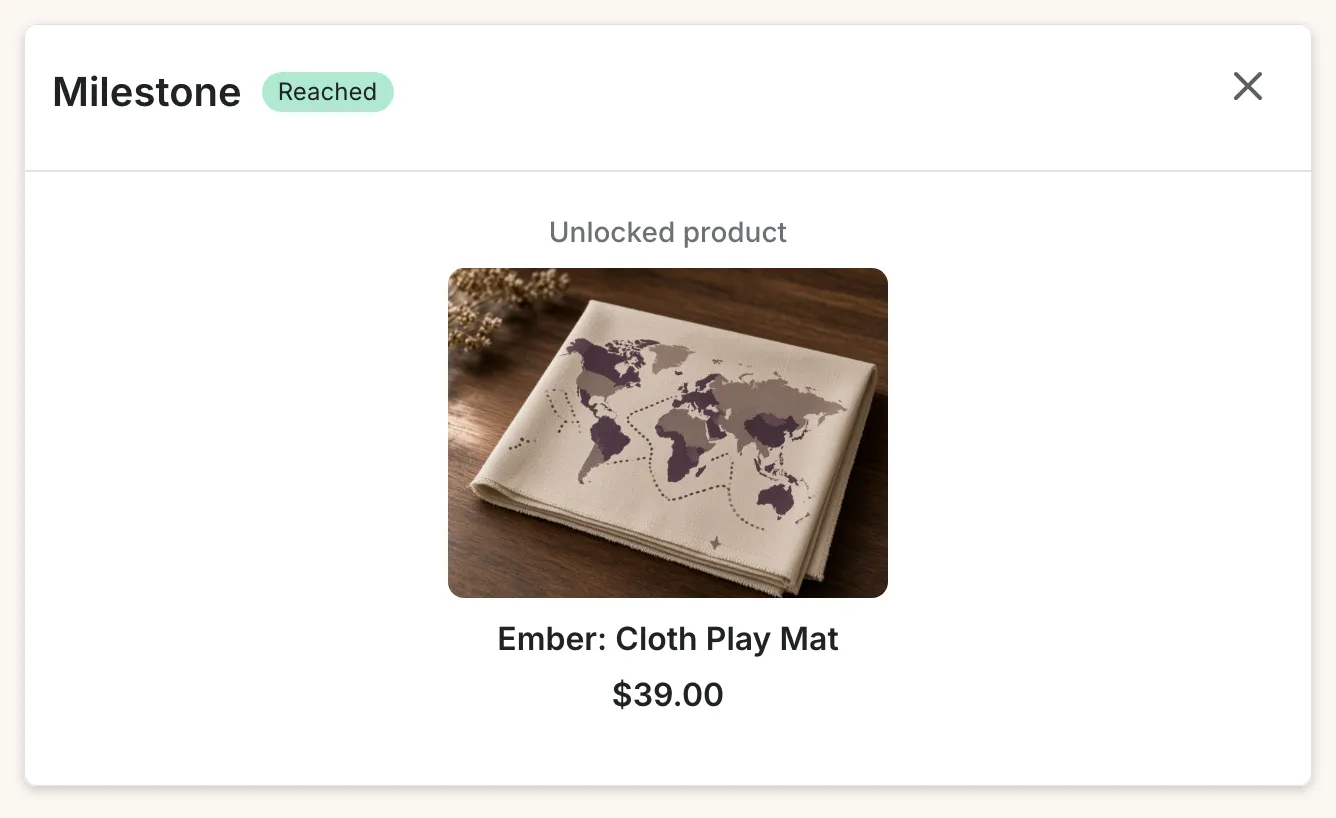
Section titled “On the storefront”When a milestone is reached, shoppers see a pop-up.
Stretch goals bar
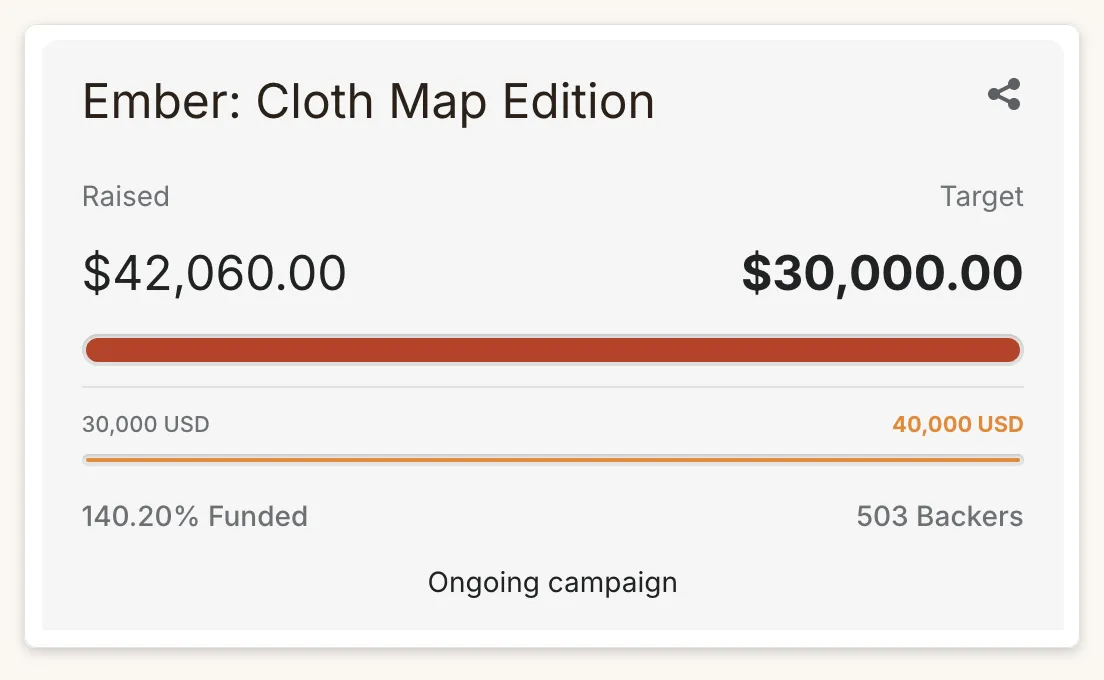
Section titled “Stretch goals bar”If a milestone target is above the campaign goal, a second progress bar for those milestones appears on the Main Widget. If you have never changed the setting, it turns on by itself when you save such a campaign (“Stretch goals bar turned on. Milestones beyond your goal now show in the widget.”). To control it, use Show stretch goals bar under Stretch goals bar in the progress bar style of your template. Show goal range adds start and end amounts either side of it.
Pre-order campaigns
Section titled “Pre-order campaigns”Milestone product rewards on a pre-order campaign must be fulfilled manually; the app shows a banner saying so.
Ended campaigns
Section titled “Ended campaigns”On an Ended campaign Add milestone is disabled (“This campaign has ended, so milestones can’t be added.”).