

Translations and language packs
· Any plan · 2 min
Open Settings → Translation. Language packs cover English, Français, Deutsch, Español and 日本語. The English pack is called “English default”.
Set up your languages
Section titled “Set up your languages”Use Set up multiple languages to open Storefront languages. A language only appears for shoppers once it is published in Shopify under Settings → Languages and assigned to a market. Unpublished languages show Not published.
If a language has no pack, such as Italian, Fundpop says “Fundpop has no Italian language pack. Widgets use this base wording:” and lets you choose a Base wording from the select.
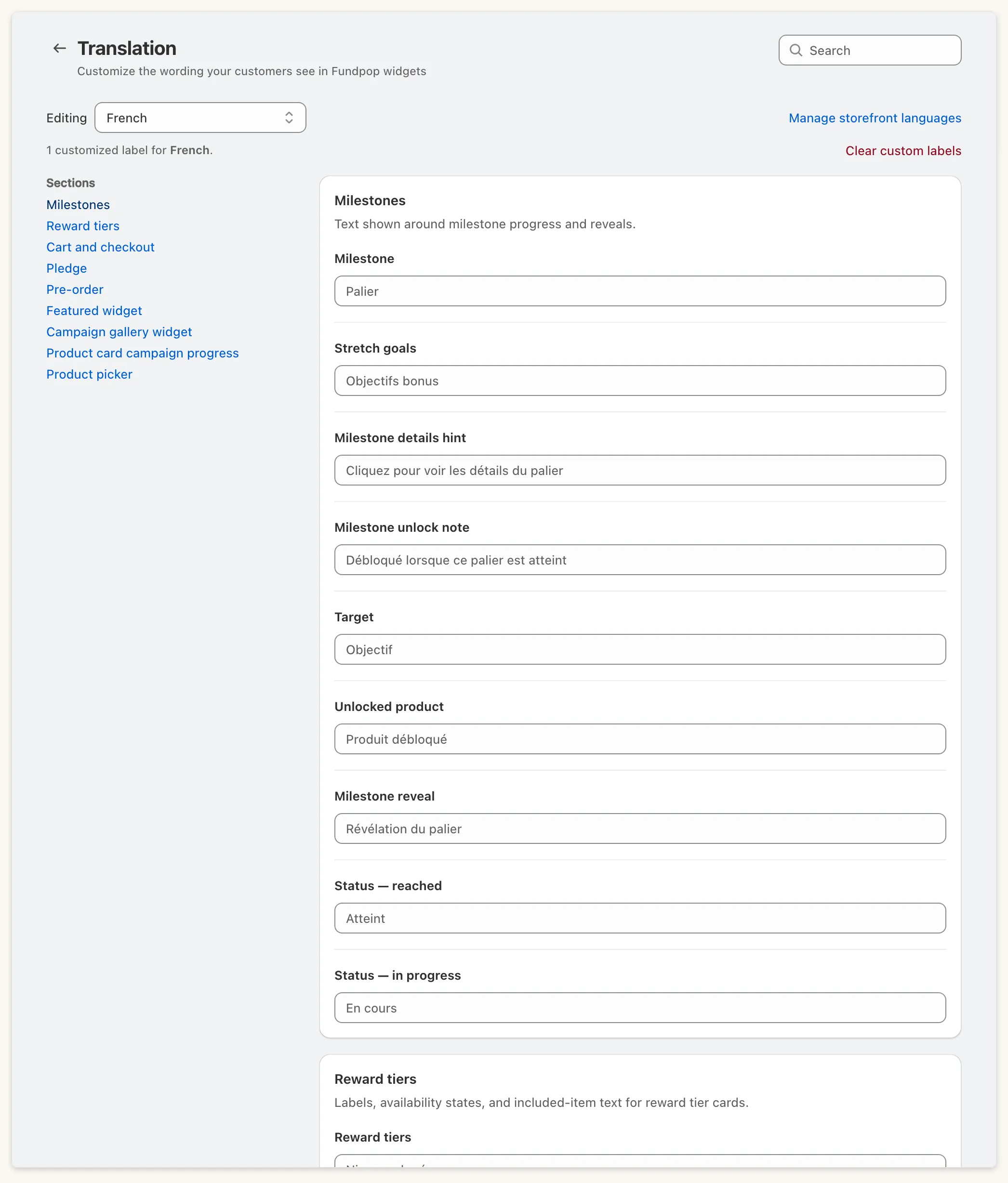
Custom labels
Section titled “Custom labels”Each language has a pack, and you can override single labels on top of it. A custom label replaces the pack text. Leave a field empty to use the pack text, shown as its placeholder; clearing a field tells you “These fields will fall back to the Français language pack”. A pack is “not applied to your storefront yet” until you save. Badges mark Store default and Fundpop default.
Keep {...} placeholders in your custom labels, so counts and amounts still appear.
When a shopper’s language has no label, Fundpop tries the requested locale, then its base language, then your primary locale, then English.
Sections
Section titled “Sections”Milestones, Reward tiers, Cart and checkout, Pledge, Pre-order (with the Pre-order button field), Featured widget, Campaign gallery widget and, when Fundpop App Embed is on, Product card campaign progress.
Milestone and pledge wording in the Main Widget is edited here. The header, row, timer and banner text stays in Templates.