
Reward tiers
· Pro · 3 min
Reward tiers need Pro or Premium and an Order now campaign. For Pre-order campaigns the button is disabled: “Reward tier is not available for pre-order campaign”. On Standard you can build tiers, but they will not display (“Upgrade required to display reward tiers. Choose a Pro or Premium plan”).
A tier bundles one or more campaign products into a Shopify bundle that Fundpop creates for you. It needs at least one Active campaign product, and a product can sit in only one tier or milestone (“Product is already used in another reward tier.”). Use Refresh products to reload the list.
Availability
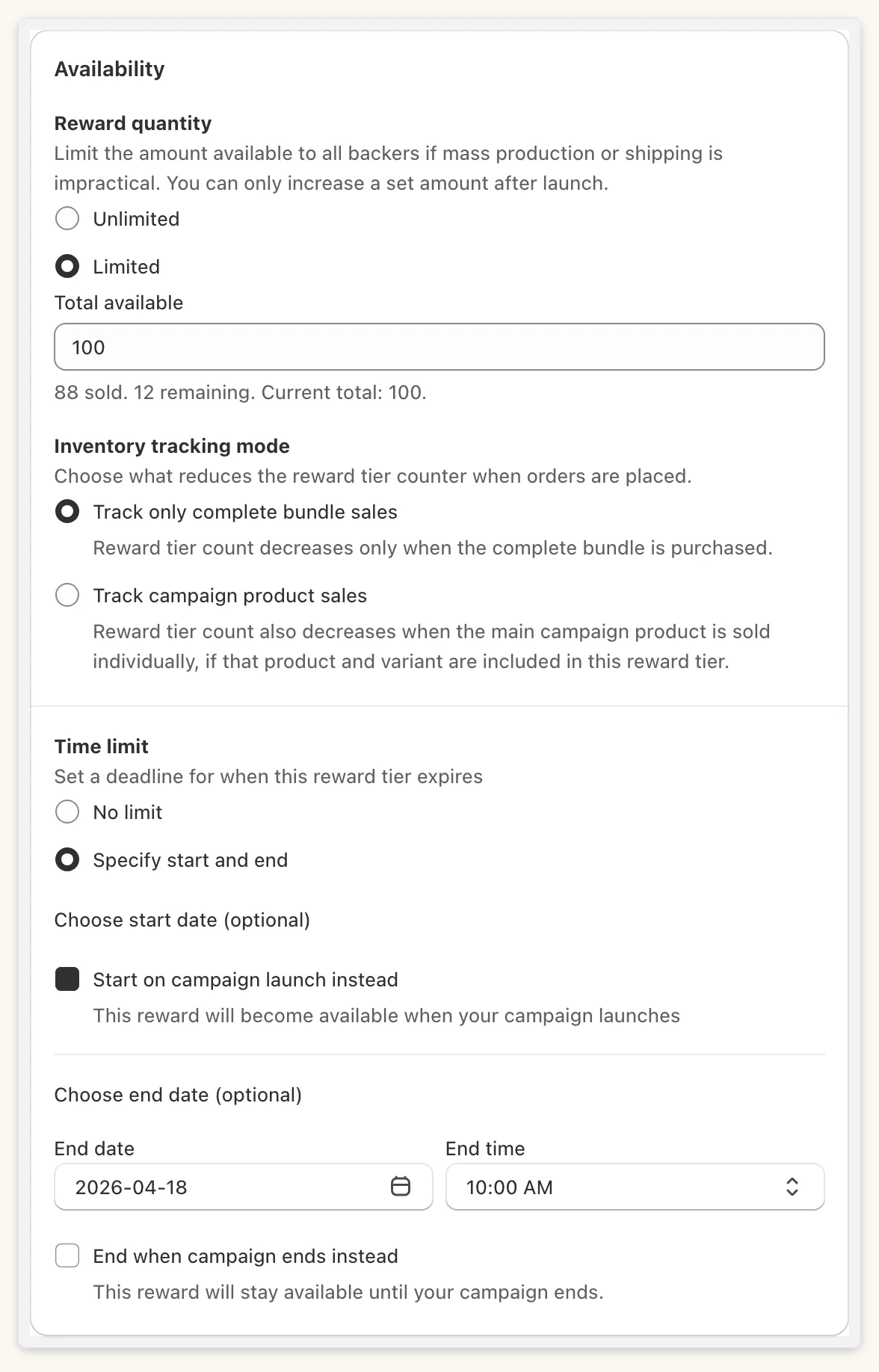
Section titled “Availability”Choose Reward quantity: Unlimited or Limited. With Limited, set Total available. When you first set it, the value must be between 0 and the lowest live Shopify stock of the tier’s products (“Enter a number within the range of 0 to N for available stock”). Afterwards you can only raise it, never below the number already sold (“Total available cannot be lower than the number already sold. Minimum: N.”).
Inventory tracking mode is Track only complete bundle sales or Track campaign product sales.
Time limit is No limit or Specify start and end, with the options Start on campaign launch instead and End when campaign ends instead.
Pricing
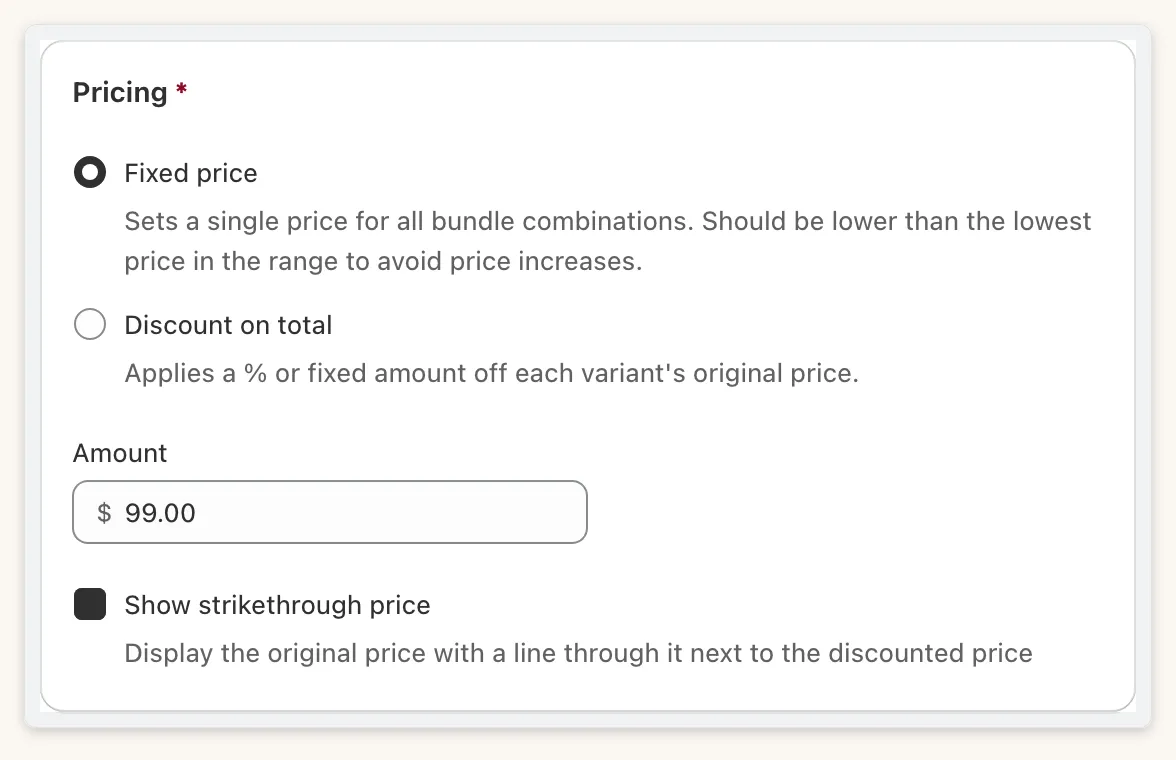
Section titled “Pricing”Choose Fixed price for the bundle, or Discount on total as a percent or an amount. Round displayed price up to nearest $1 only changes what is shown; checkout uses the exact price. Turn on Show strikethrough price to show the original price beside the tier price.
If some combinations cost less than a fixed price, the editor warns: “Some combinations cost less than this fixed price and will appear to increase in price.”
Visibility
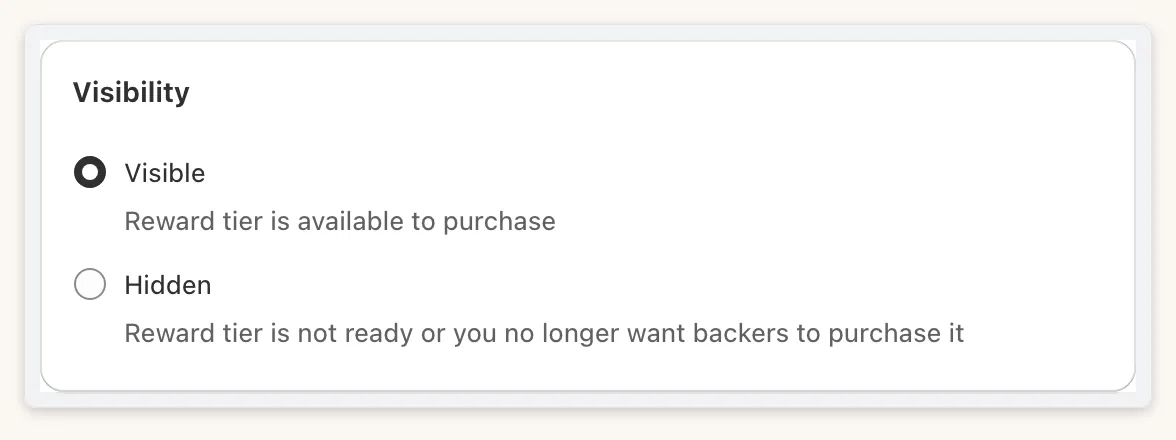
Section titled “Visibility”Set a tier to Visible or Hidden. Hide a tier while you are not ready to sell it, then show it again without losing its settings. Changing visibility needs Pro or Premium (“Changing reward tier visibility is available on the Pro and Premium plans.”).
Pinning and deleting
Section titled “Pinning and deleting”Pro and Premium can pin a tier so it shows on the homepage. Pinning another tier asks “Replace pinned reward tier?”. Deleting a tier removes its Shopify bundle when you save (“Delete reward tier?”).
On your storefront
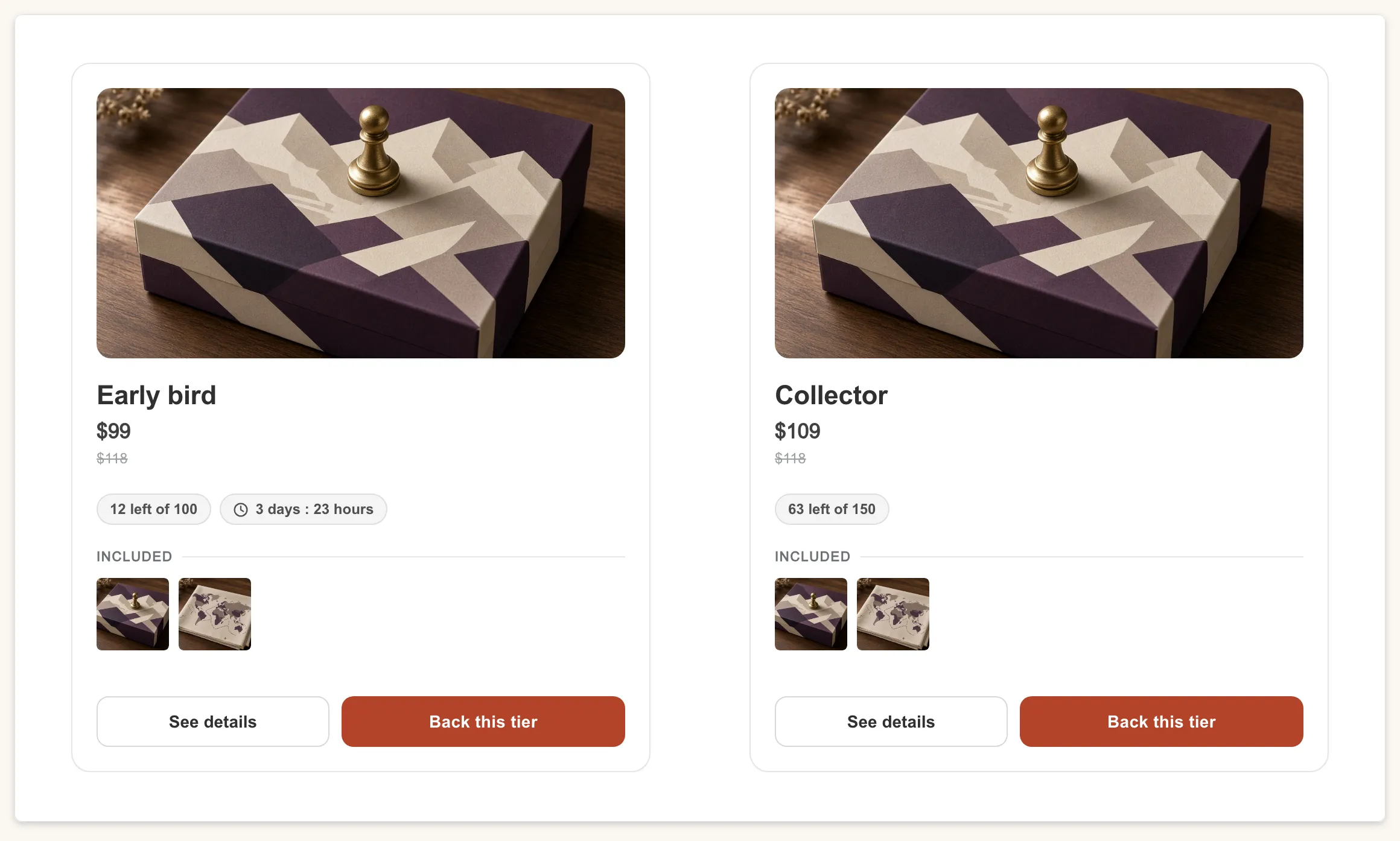
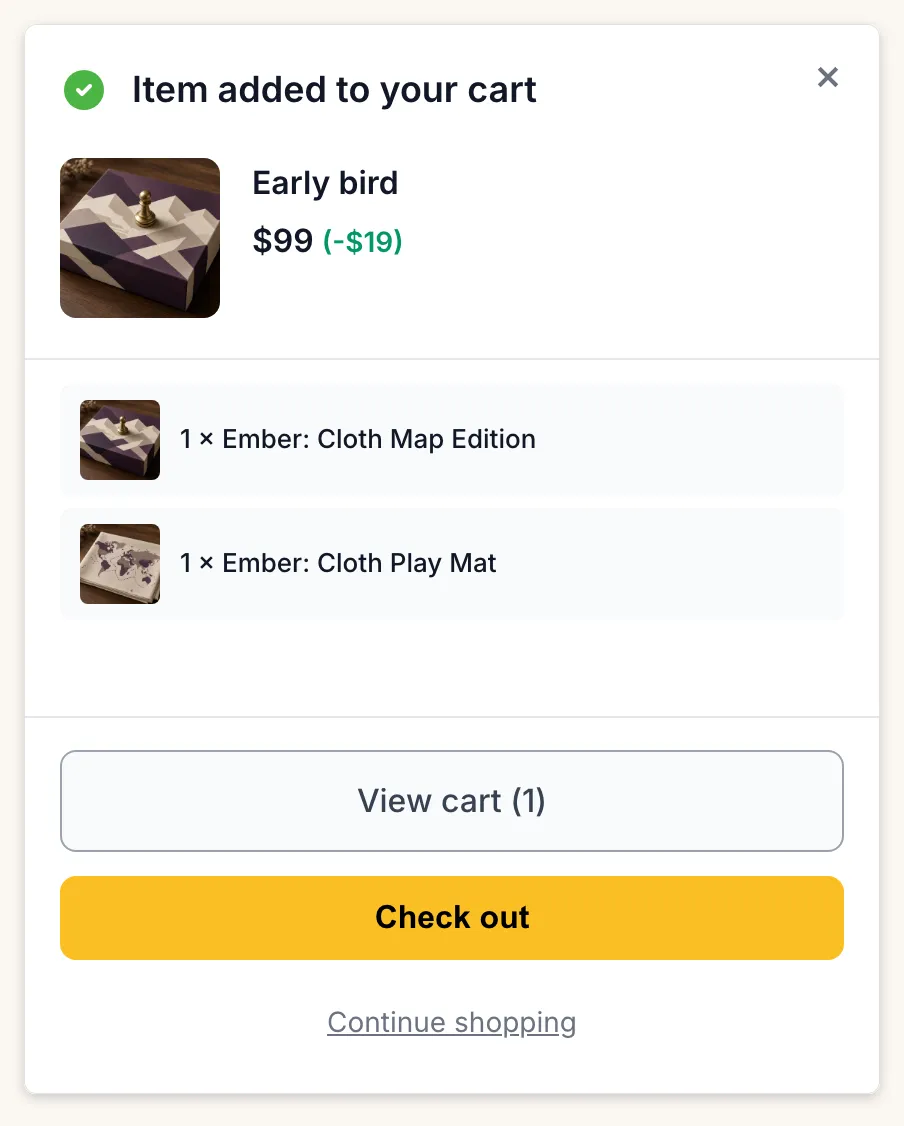
Section titled “On your storefront”Tiers appear as cards with stock bars and countdowns. When a backer picks one, an Item added to your cart modal confirms the bundle. You can edit that wording in Settings → Translation.