

Test before you launch
· Any plan · 2 min
Use Draft and Pending to check how your campaign looks before it collects real orders.
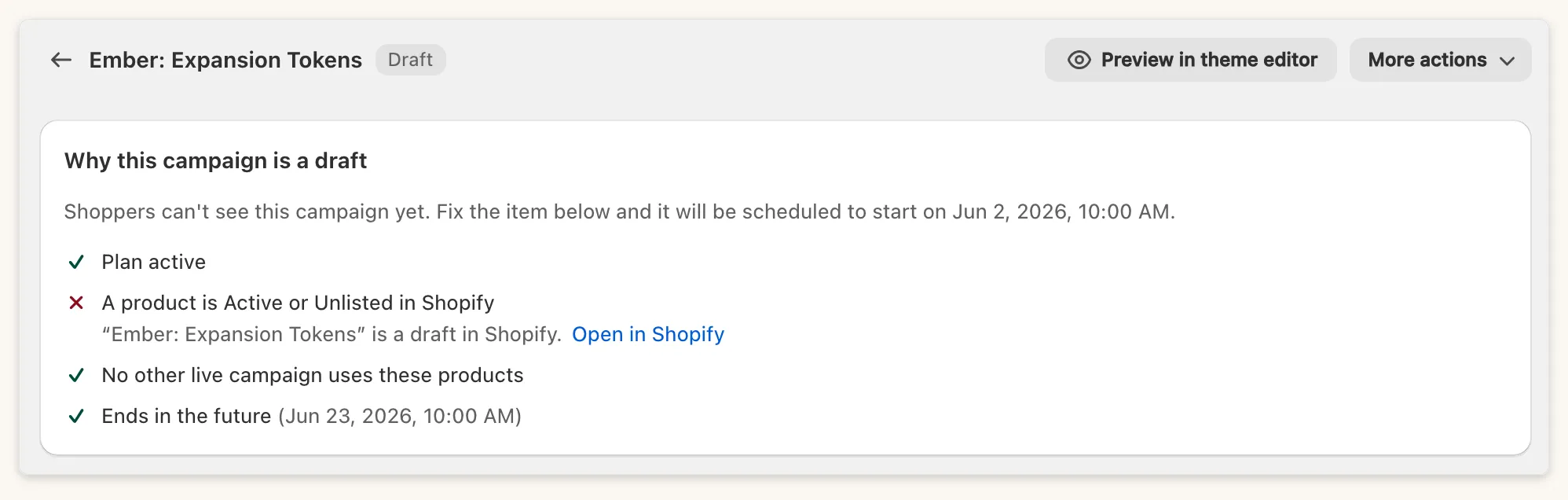
Why this campaign is a draft
Section titled “Why this campaign is a draft”A Draft means something still blocks launch. The card Why this campaign is a draft lists four checks:
- Plan active
- A product is Active or Unlisted in Shopify (Draft and Archived products block launch)
- No other live campaign uses these products
- Ends in the future
There is no launch button on a Draft. Fix the blockers and the campaign becomes Pending or Active on its own.
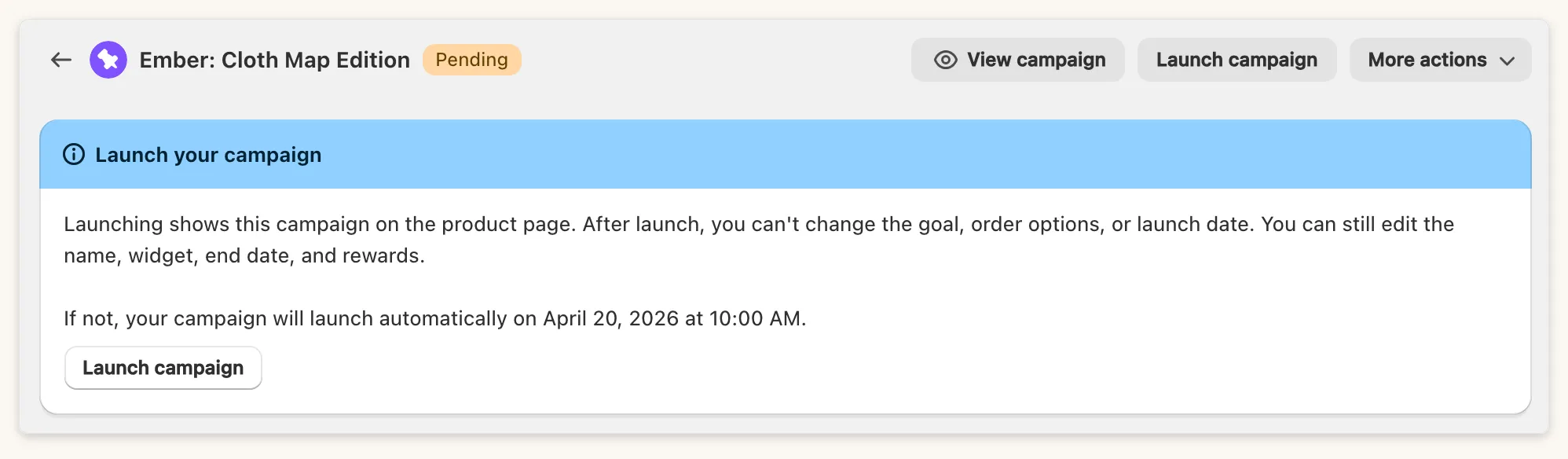
Pending
Section titled “Pending”Pending means the campaign is scheduled. Launch campaign starts it immediately.
Safe ways to preview
Section titled “Safe ways to preview”- Set the Shopify product to Unlisted, so only people with the link can open it.
- Use the header preview: on a Pending campaign it shows Preview campaign and opens the product page. If all the campaign’s products are still Draft in Shopify, it shows Preview in theme editor instead.
- Open the theme editor to check where the widget sits. The editor shows Draft and Pending campaigns even when shoppers cannot see them yet, so it is not proof of what shoppers see. See Preview in the theme editor.
What to avoid
Section titled “What to avoid”- Do not use initial funding as a test. The app warns that initial funding counts toward your final goal and is visible to customers, so only use it for real funds you already have.
- Do not assume test orders are free. Once a campaign is Active, a test checkout is a real order for the campaign. If you test with Shopify’s Bogus Gateway, do it before launch and check the campaign’s progress afterwards.
Common questions
Section titled “Common questions”Will the share link work on Draft? No. A Draft campaign is never visible. A Pending campaign is visible only if you turned on the display option for pending campaigns.
Why can’t I launch a Draft? Drafts have no launch button. Trust the checklist: when every check passes, the campaign moves on by itself.