

Storefront widgets
· Any plan · 3 min
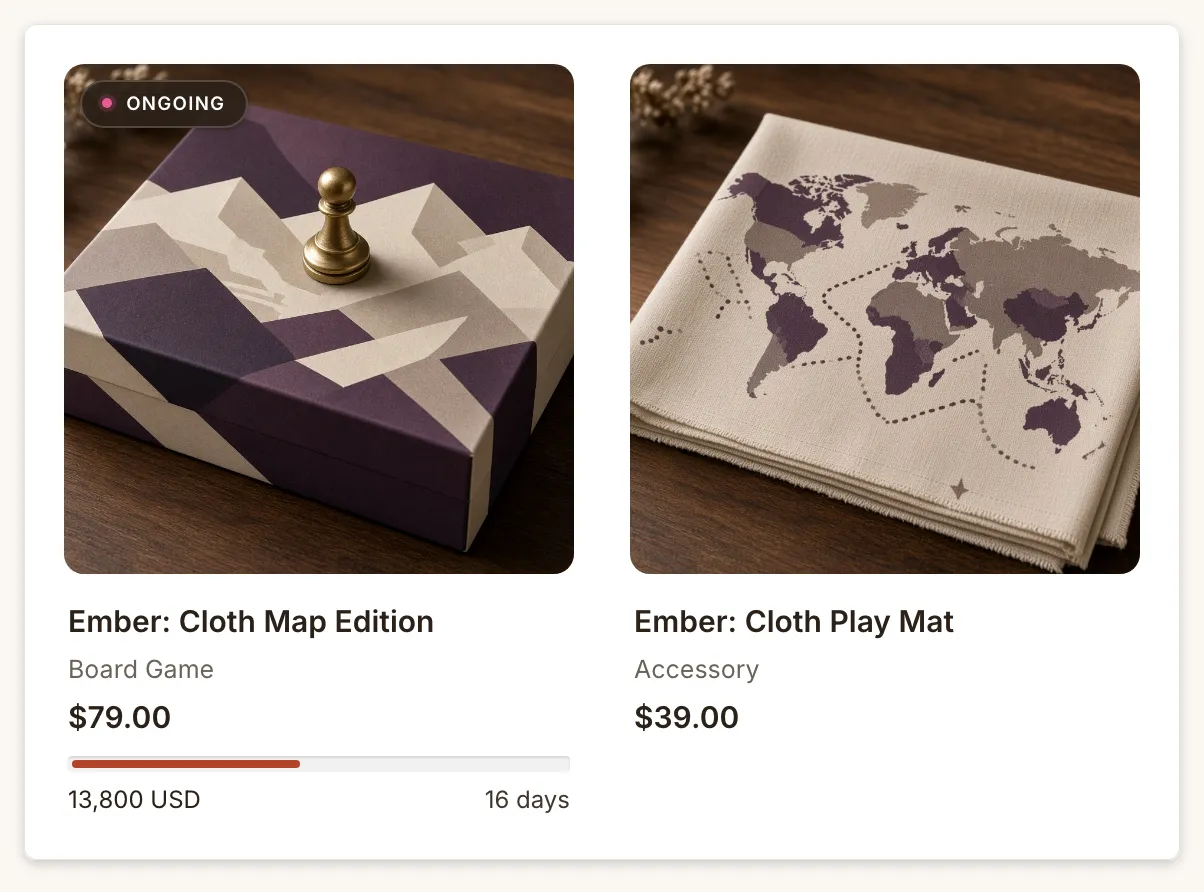
The Widgets page shows every Fundpop surface and its status: Installed, Not installed, Hidden, Partly installed, Upgrade required, Coming soon or Detecting…. For what each status means, see Set up the widget.
| Admin name | Theme editor name | Typical placement |
|---|---|---|
| Main Widget | Main Widget | Product page; homepage via pin |
| Reward Tiers Widget | Reward Tiers Widget | Product page, homepage (Pro or Premium) |
| Product Card Display | Fundpop App Embed | Collection, search and home grids (Pro or Premium) |
| Featured Campaign Widget | Featured Campaign Widget | Homepage, collection, page, product |
| Campaign Collection Widget | Campaign Gallery Widget | Homepage, collection, page |
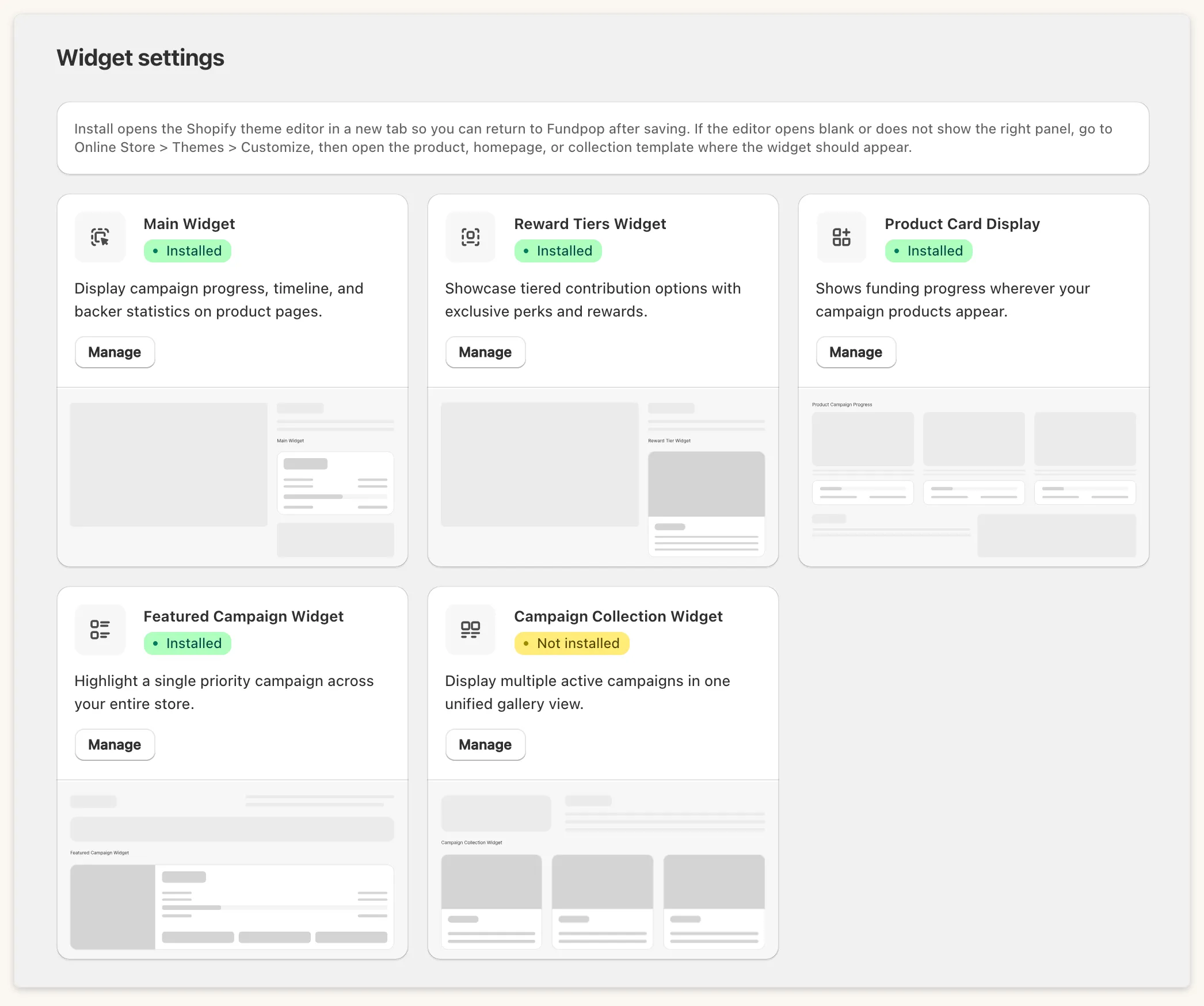
Featured Campaign widget
Section titled “Featured Campaign widget”It shows one campaign: the one you pin under Widgets → Featured Campaign Widget. Until you pin one, the theme editor shows a sample campaign with a notice.
Inside the widget, an image carousel shows one picture per product in the campaign, in the campaign’s product order. Only active Shopify products are included. Arrows appear on hover, with a “1 / N” counter (hidden when there is only one image). Turn on Single image mode to show one image instead: the custom campaign image if you set one, otherwise the first product image. Image display style is Stretch or Fit.
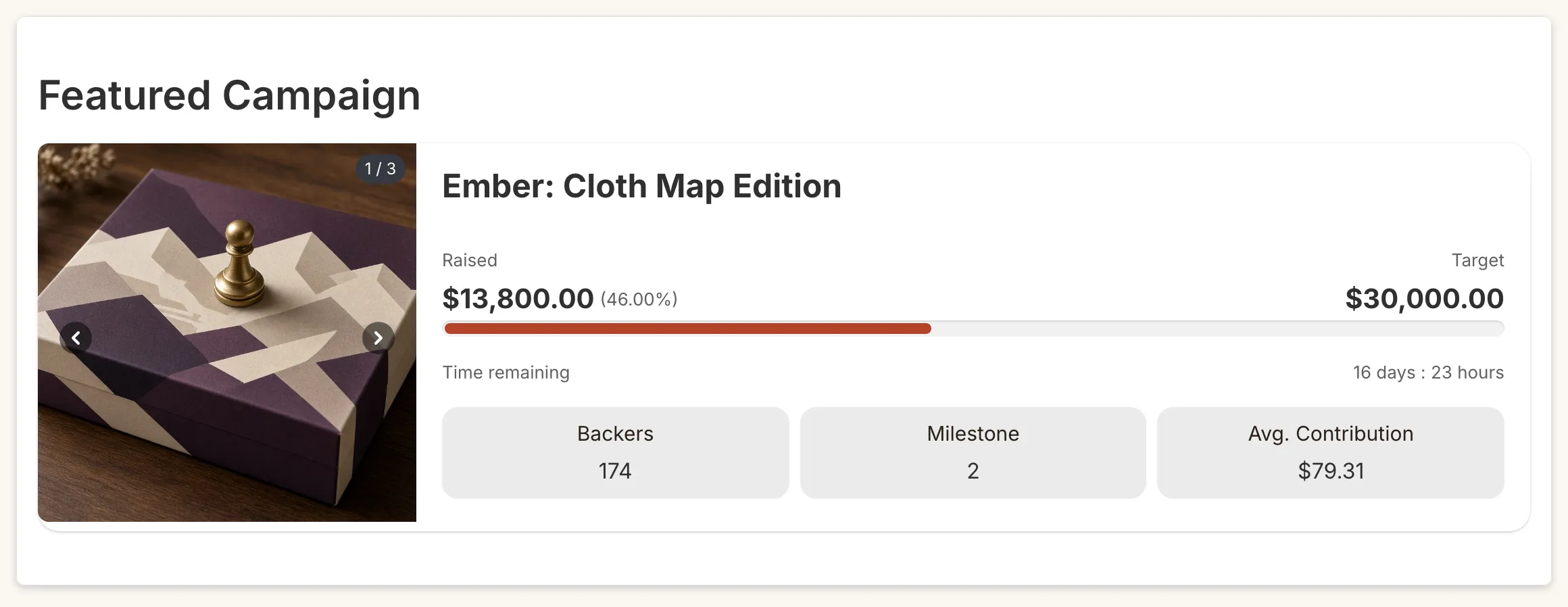
Campaign Gallery widget
Section titled “Campaign Gallery widget”It shows several campaigns at once: choose them under Widgets → Campaign Collection Widget. Only Active campaigns with at least one visible product appear. Layout is Grid or Banner / Stacked, Display mode is Countdown or End date, and Space between campaigns adjusts spacing. In Grid, pagination starts from 4 campaigns. Each card has the same product carousel as the Featured widget.
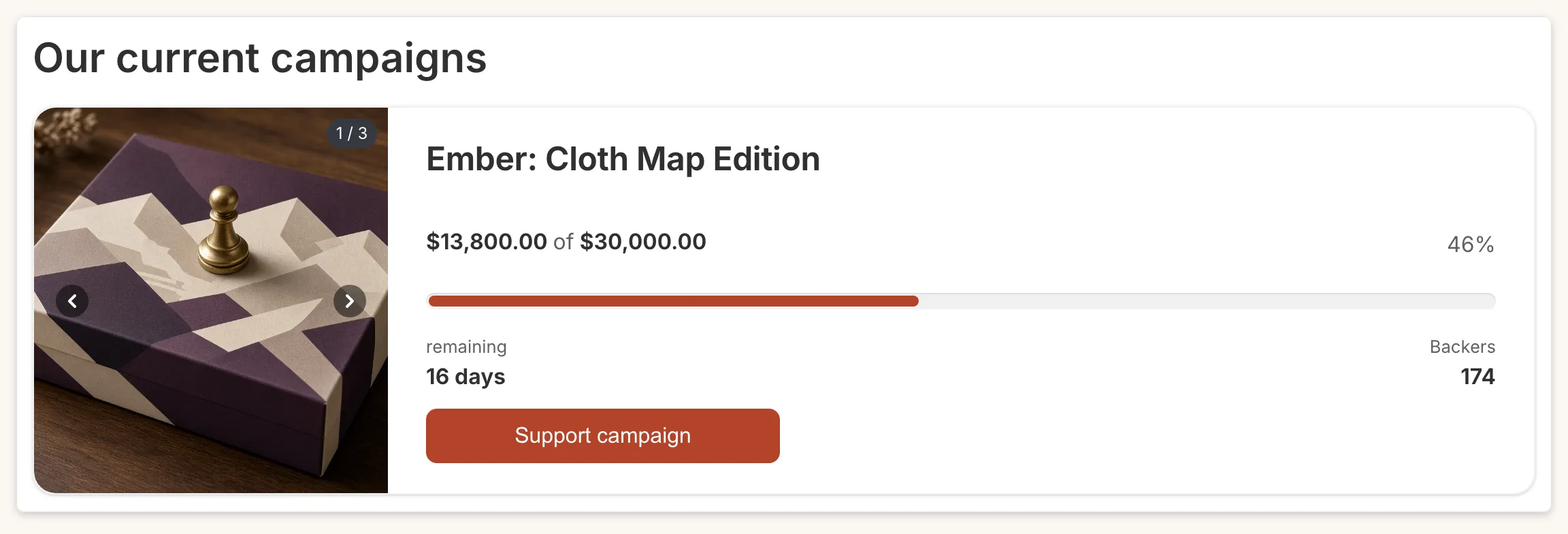
Product Card Display
Section titled “Product Card Display”It adds progress bars and badges to product cards in collection, search and home grids. It is not a block: turn on Fundpop App Embed under App embeds in the theme editor. It needs Pro or Premium.
Reward Tiers widget
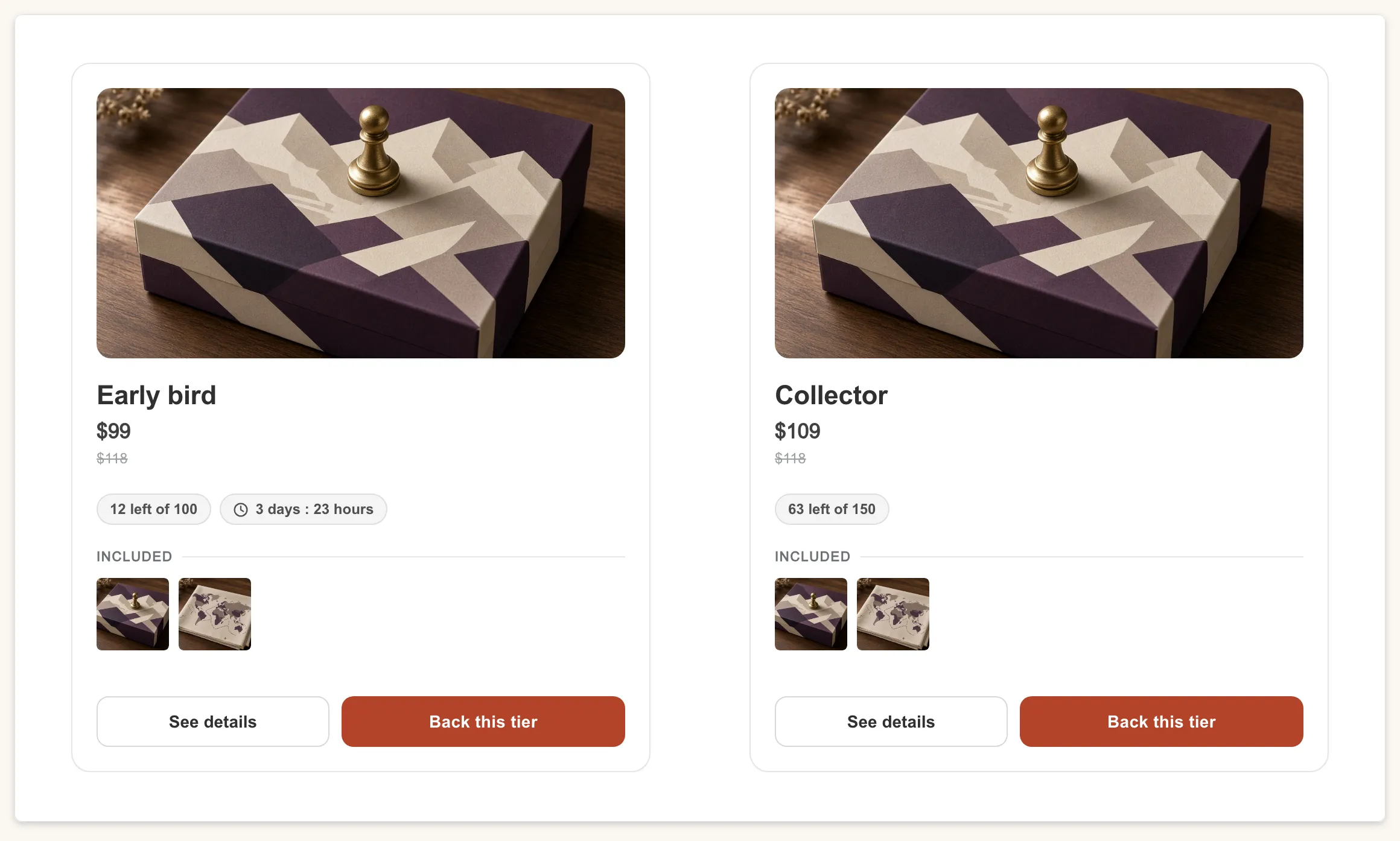
Section titled “Reward Tiers widget”Shows your campaign’s reward tiers on the product page or the homepage. Button Action is Add to Cart or Checkout, and Included items display is Images, Text or Images and text. It needs Pro or Premium and the Fundpop widget on the page (“This widget will only display if the Fundpop widget is added.”).
Common questions
Section titled “Common questions”Why Upgrade required? Reward Tiers and Product Card Display need Pro or Premium.