

Edit a live campaign
· Any plan · 2 min
While a campaign is Pending you can edit everything. After launch, what you can change depends on the status.
Locked after launch
Section titled “Locked after launch”These stay locked once the campaign has launched: goal type and goal, launch date, order option, payment option, pledge fee, selling plan name and Prevent sales while pending.
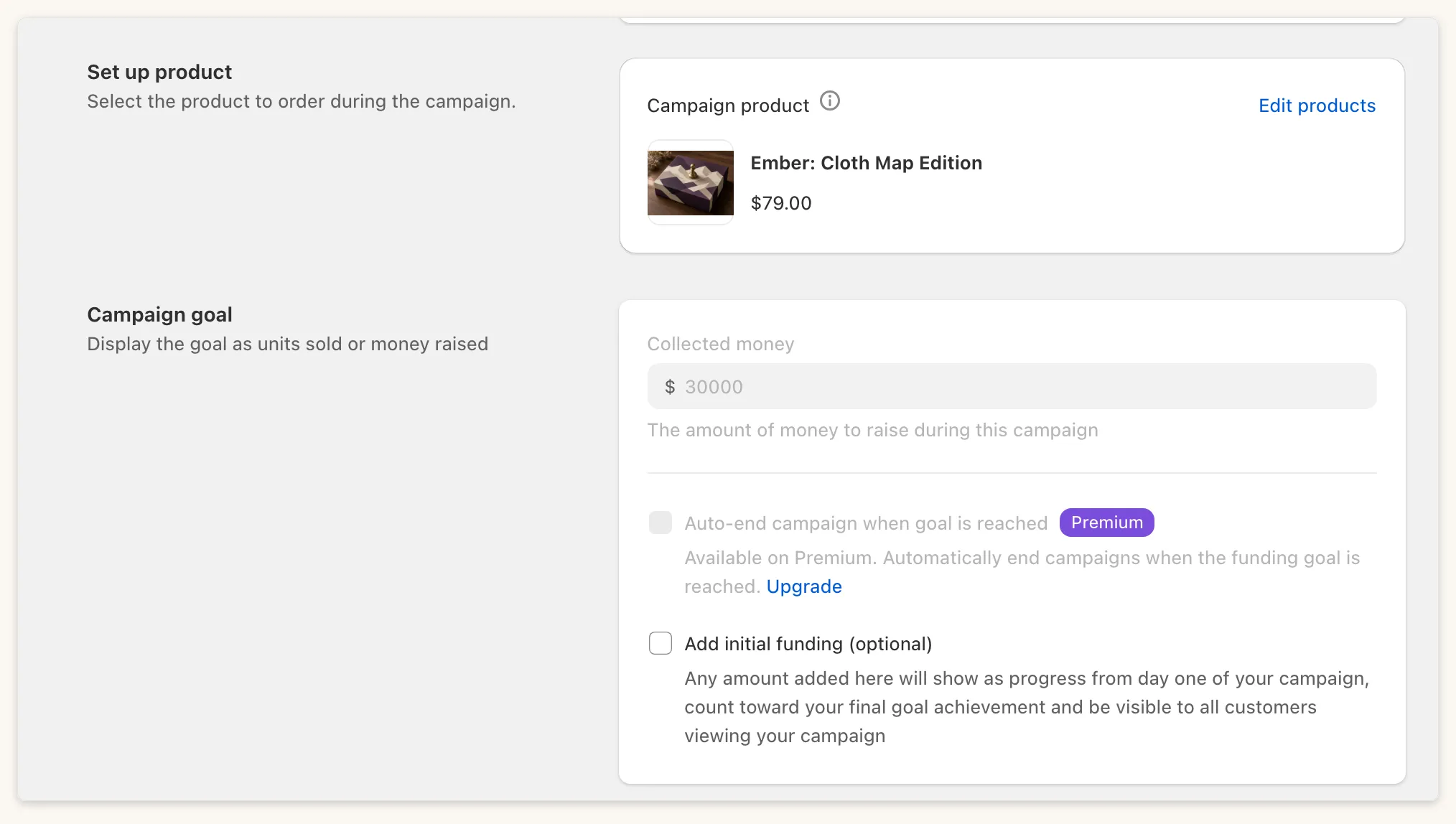
Still editable
Section titled “Still editable”| Field | Active | Stretched | Ended |
|---|---|---|---|
| Name | Yes | Yes | No |
| End date | Yes | Yes | No |
| Initial funding | Yes | No | No |
| Milestones: add | Yes | Yes | No |
| Milestones: delete | Yes | Yes | No |
| Edit products | Yes | No | No |
The end date must be after the launch date and at most 365 days after it. Extending a Stretched campaign’s end date reactivates it and moves a pre-order’s capture to two hours after the new end date.
A saved milestone’s target and reward type cannot be changed (“This milestone is already saved. Target and reward type can’t be changed.”). Reward tiers can be edited, and the cap can only increase: “You can only increase a set amount after launch.”
Edit products adds products to an Active pre-order campaign. Products that were in the campaign at launch cannot be removed.
Auto-end campaign when goal is reached can be changed while live, and needs Premium.
Common questions
Section titled “Common questions”Campaign name vs product title? The campaign name is Fundpop’s. Change the Shopify product title in Shopify admin if shoppers should see a different title.
Need a different goal? The goal locks at launch and cannot be changed afterwards.