

Launch and share your campaign
· Any plan · 2 min
A Draft campaign goes live on its own once the launch checks pass (see Test before you launch). A Pending campaign is scheduled, and you can start it early or wait for its launch time. Either way, the product page is the campaign: share that URL.
Launch
Section titled “Launch”On a Pending campaign, choose Launch campaign to start now. Otherwise it launches automatically on the scheduled date. Launching changes the status to Active and displays the campaign on the product page.
After launch you can no longer change the goal, the order options or the launch date. You can still edit the name, the widget, the end date and the rewards. See Edit a live campaign.
The campaign header shows View campaign for Active and Stretched campaigns. For a Pending campaign it shows Preview campaign, unless you turned on the display option for pending campaigns.

Share your Shopify product page: there is no separate Fundpop campaign page outside your store. If you want a cleaner public link, you can tidy the product handle in Shopify or add a URL redirect there. That is a Shopify setting, not a Fundpop one.
During the campaign
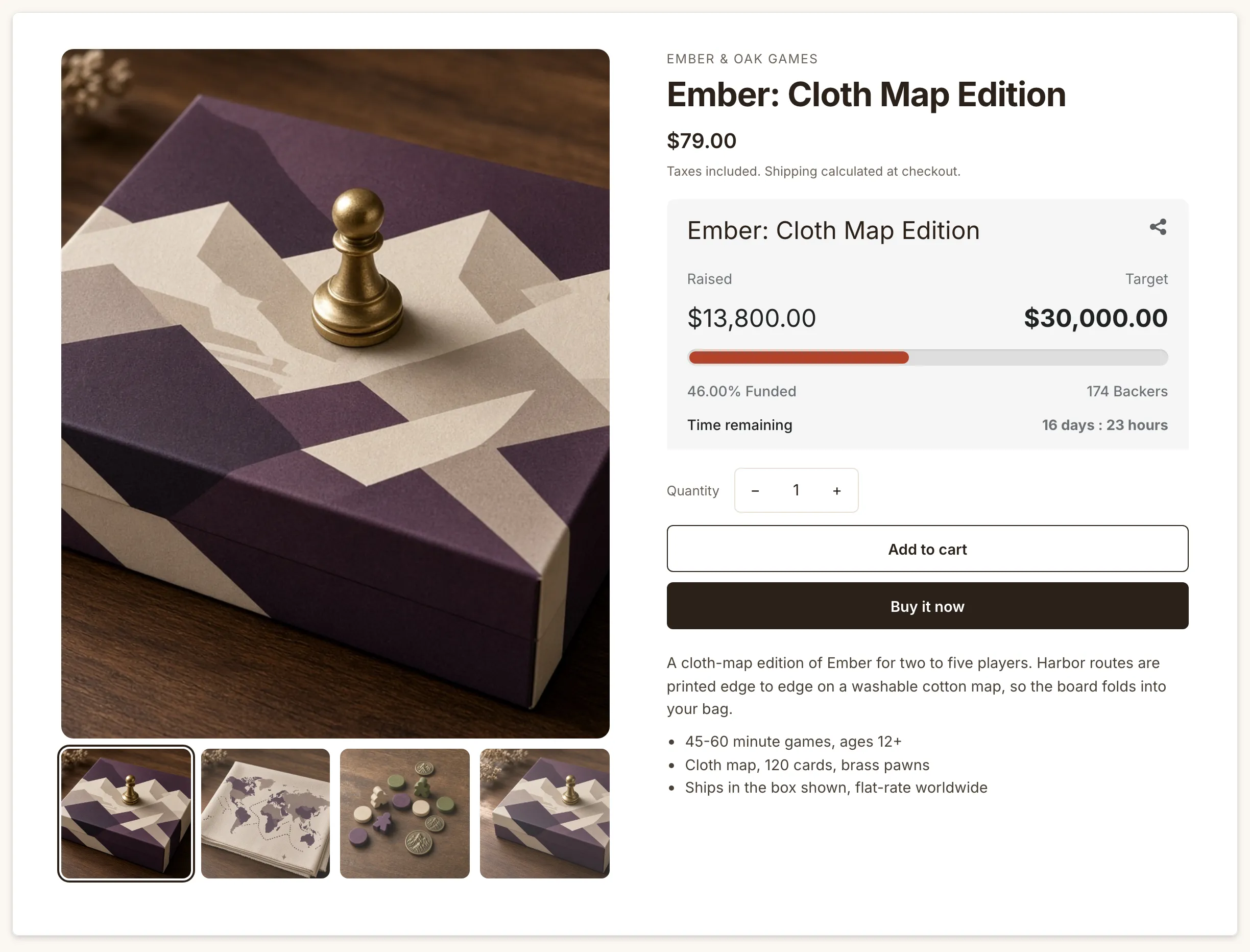
Section titled “During the campaign”Shoppers see progress on the product page, for example 46% funded on day 14 for Ember: Cloth Map Edition.
Common questions
Section titled “Common questions”Can I unlaunch? No. Once a campaign is Active you can end it with End campaign, or delete it under More actions. Changing the end date does not take it back to Pending. See End a campaign.
Where do backers go after? They stay your Shopify customers. There is no platform inbox to migrate.