

Design the main widget
· Any plan · 2 min
Most of the Main Widget’s styling lives under Templates. In the theme editor, the Main Widget block only has Padding left, Padding right, Padding top, Padding bottom and Show box shadow, and points you to the Template settings page for everything else.
Template panels
Section titled “Template panels”Open a template to edit its panels, which cover colors, header, raised amount, backers, funded percentage, progress bar, divider, time remaining, extra reward and pledge. Use Reset all changes to discard your edits; the page also warns you about unsaved changes. If your store is password protected, Fundpop uses Helvetica.
Progress bar
Section titled “Progress bar”Size is Small, Medium or Large. Show stretch goals bar adds “a second progress bar for milestones set beyond your main campaign goal”. If you never set it, the bar shows automatically when a milestone is above the goal. Show goal range appears only when the stretch bar is on, and shows start and end amounts either side of it.
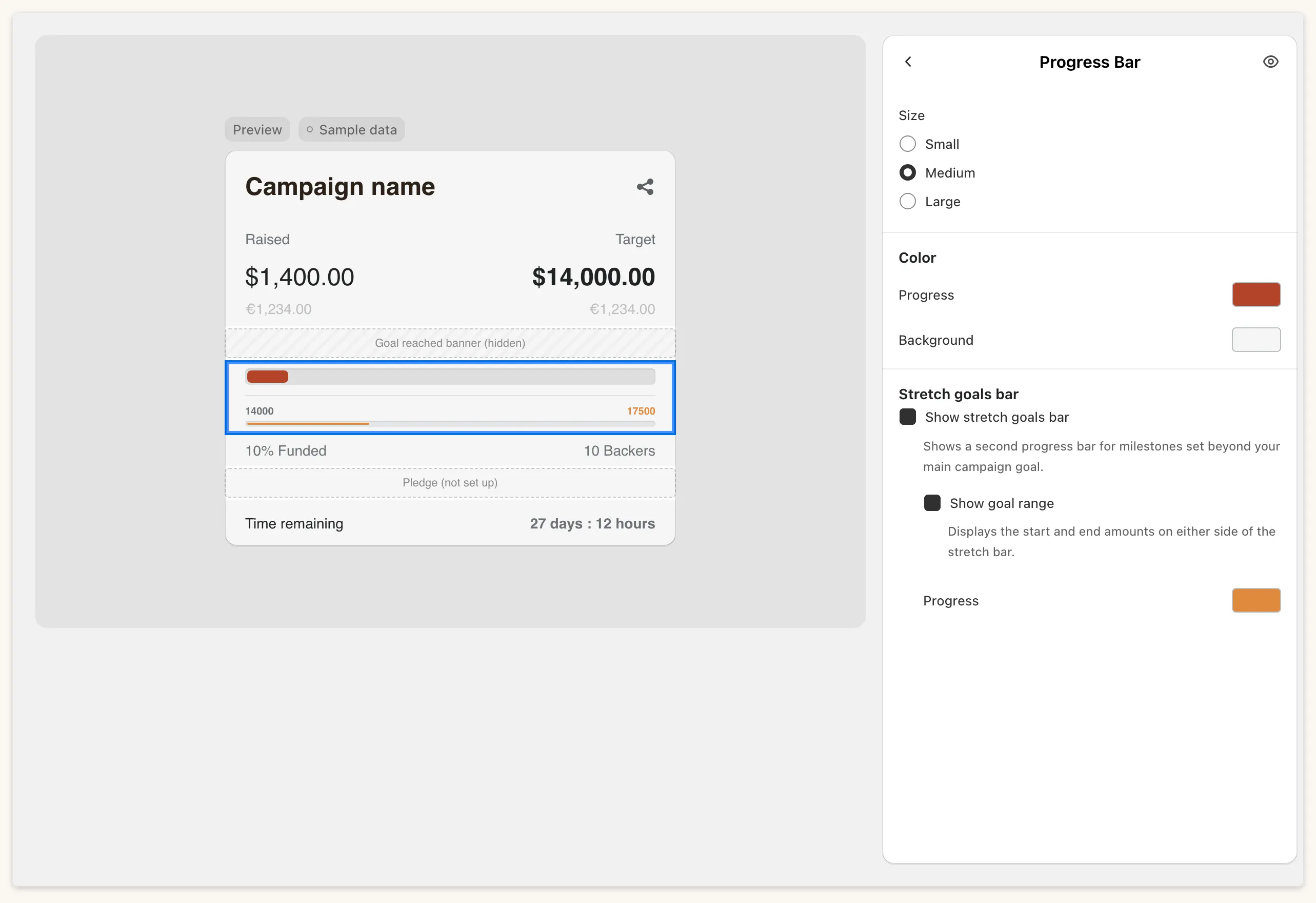
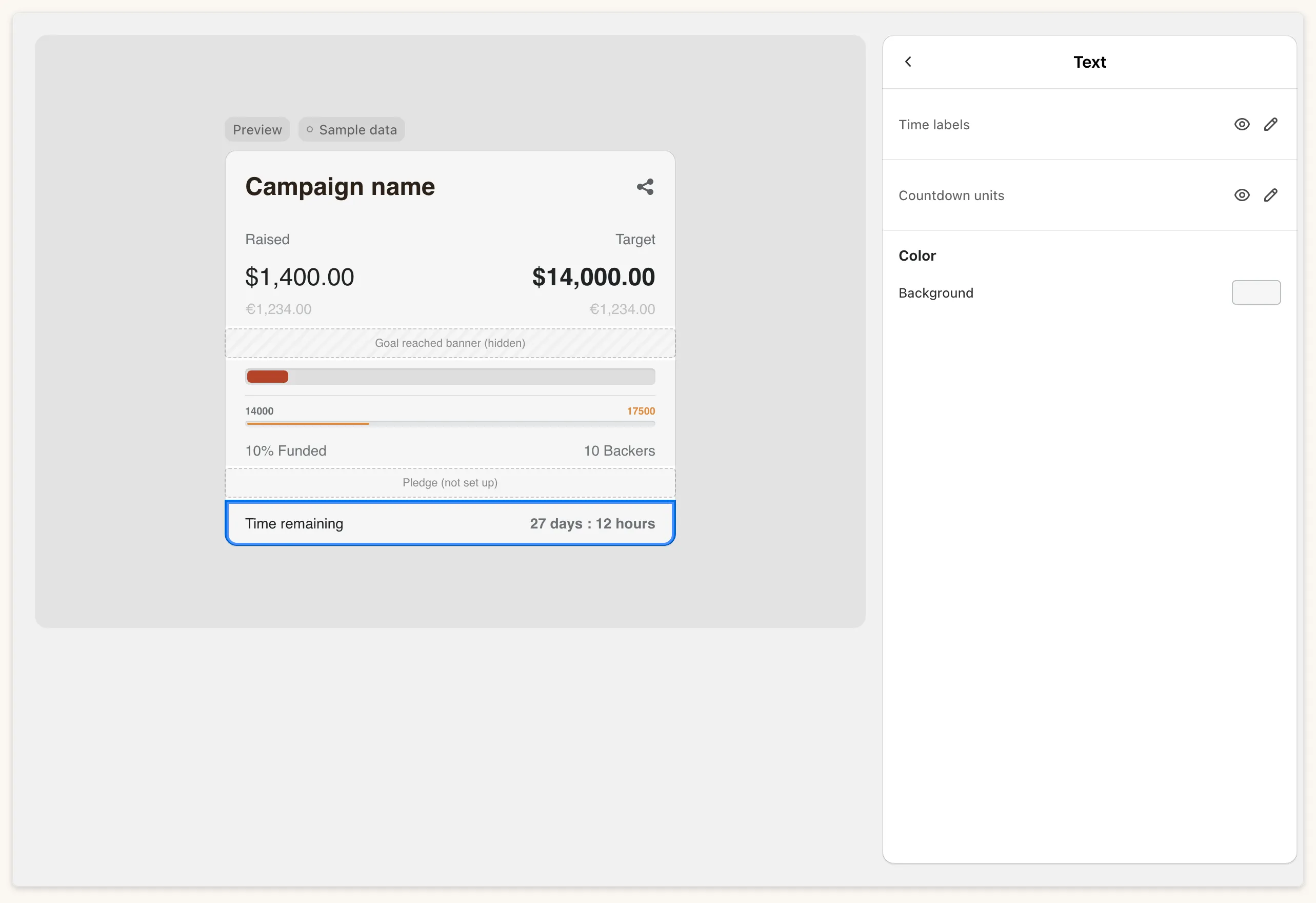
Display mode is Countdown or End date. In End date mode you can add a Label of up to 40 characters.
Goal reached banner
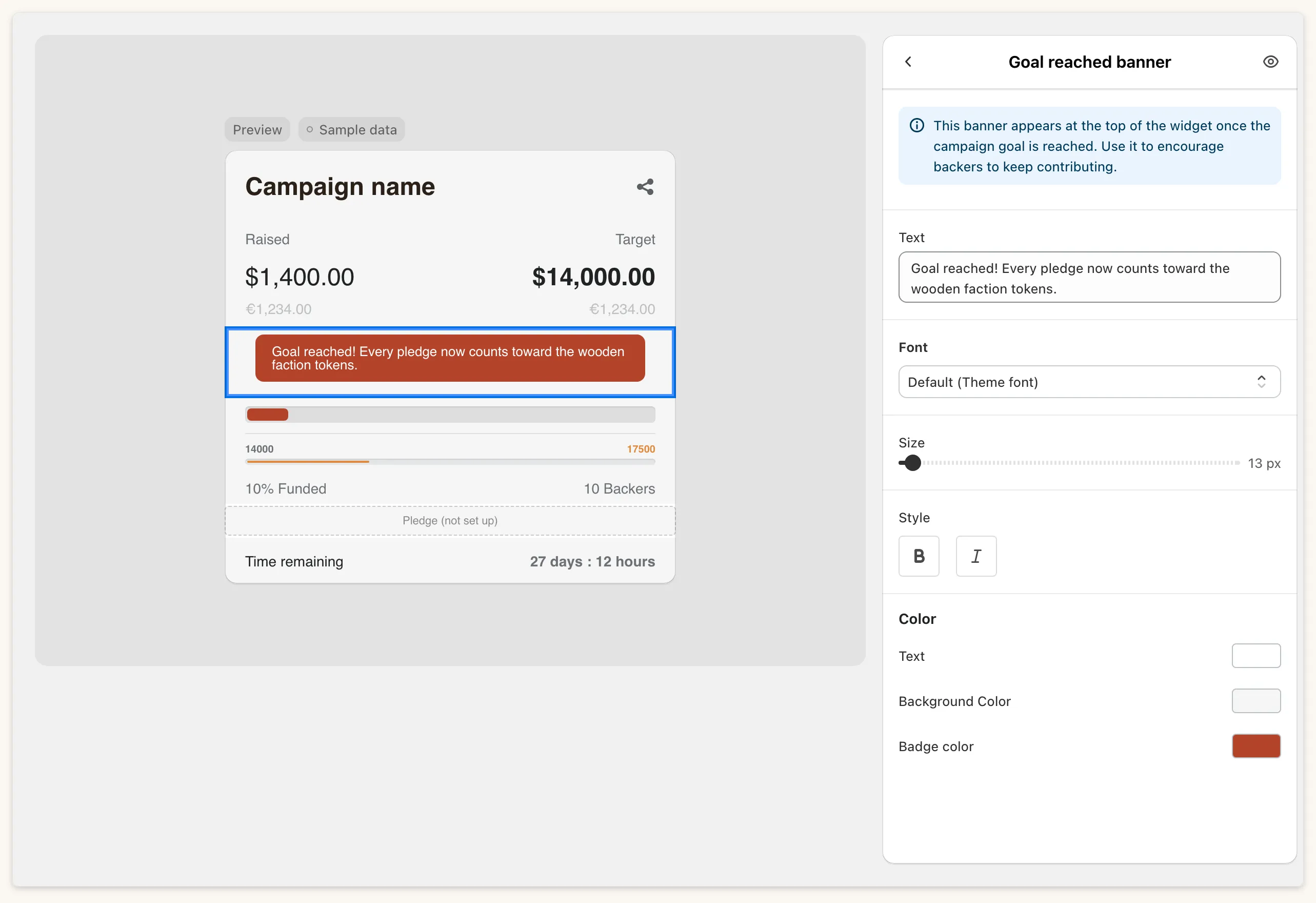
Section titled “Goal reached banner”The banner settings control what shoppers see once the goal is reached.
Common questions
Section titled “Common questions”Where does the Main Widget wording live? It is split. The template holds the header, row, timer and banner text, and is a single string, not per language. Milestone, pledge and pre-order wording is in Settings → Translation.