

Preview in the theme editor
· Any plan · 2 min
In the theme editor, Fundpop blocks show sample content so you can place them before a campaign is live. Buttons and links are disabled in the editor.
What each block shows
Section titled “What each block shows”- Main Widget: a Demo Funding sample, only on products that are not part of a campaign. On a campaign product the editor shows the real widget, in whatever state the campaign is in.
- Reward Tiers: a Sample reward tier. With a campaign but no tiers: “No reward tiers configured for this campaign. Add reward tiers in your Fundpop dashboard.”
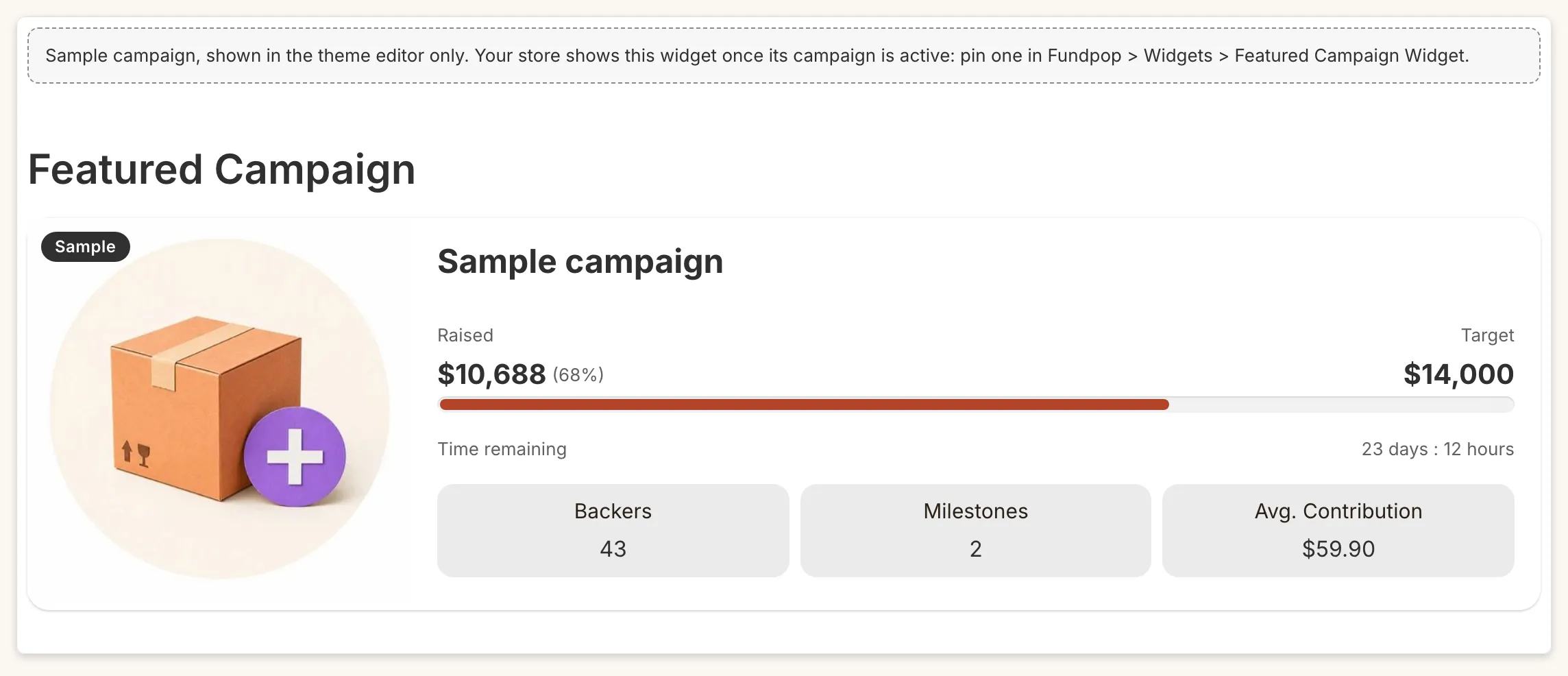
- Featured Campaign: “Sample campaign, shown in the theme editor only. Your store shows this widget once its campaign is active: pin one in Fundpop > Widgets > Featured Campaign Widget.”
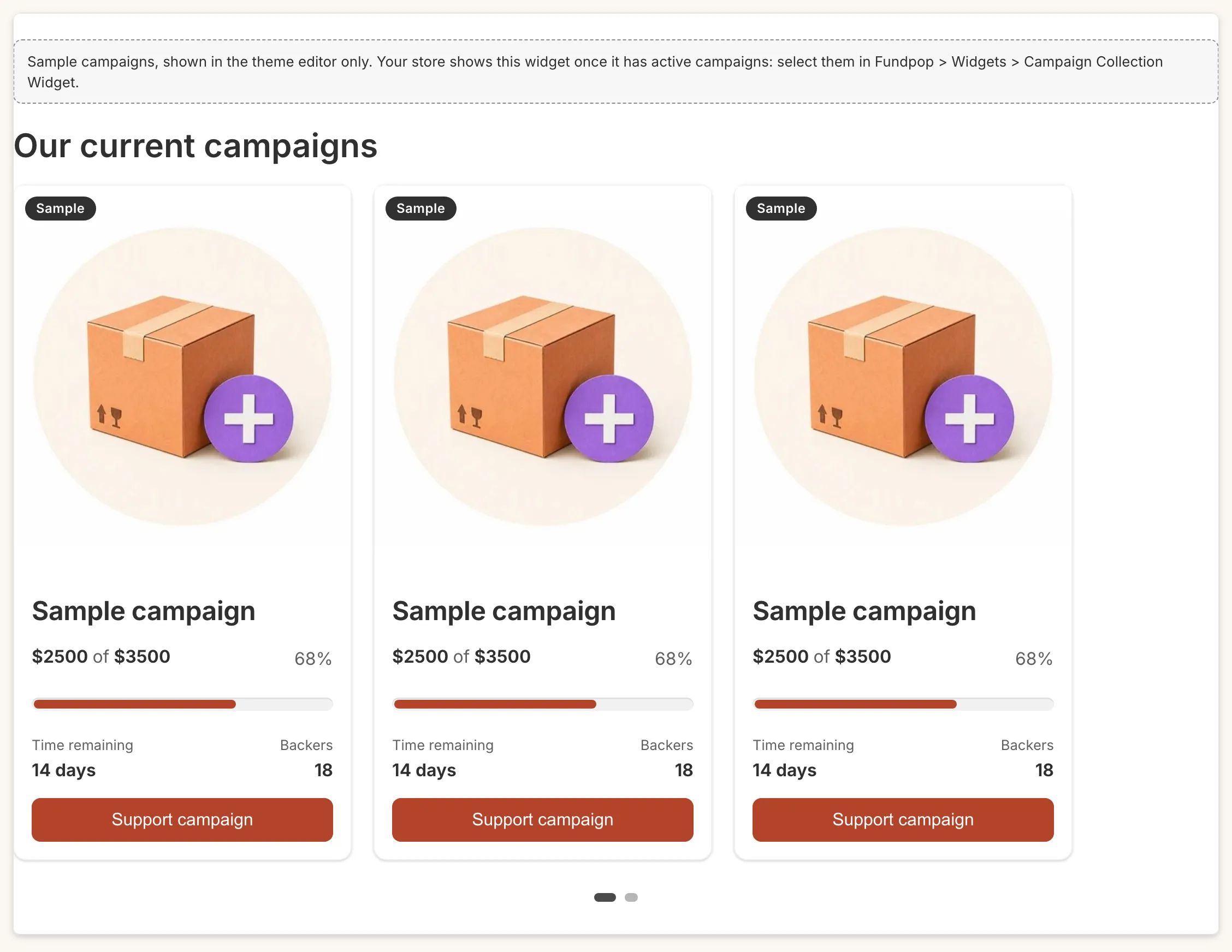
- Campaign Gallery: “Sample campaigns, shown in the theme editor only. Your store shows this widget once it has active campaigns: select them in Fundpop > Widgets > Campaign Collection Widget.”
The notices disappear once real data exists.
The editor is not what shoppers see
Section titled “The editor is not what shoppers see”The editor also renders Pending, Ended and Draft campaigns. Featured shows a Draft campaign with a “Draft” badge. So a widget that appears in the editor can still be missing on the storefront. Check Widget not showing? and Test before you launch.