

Widget not showing?
· Any plan · 2 min
Two banners tell you the widget is the problem:
- On the home page: “Your campaign is live, but shoppers can’t see it yet”, with an Add the widget button.
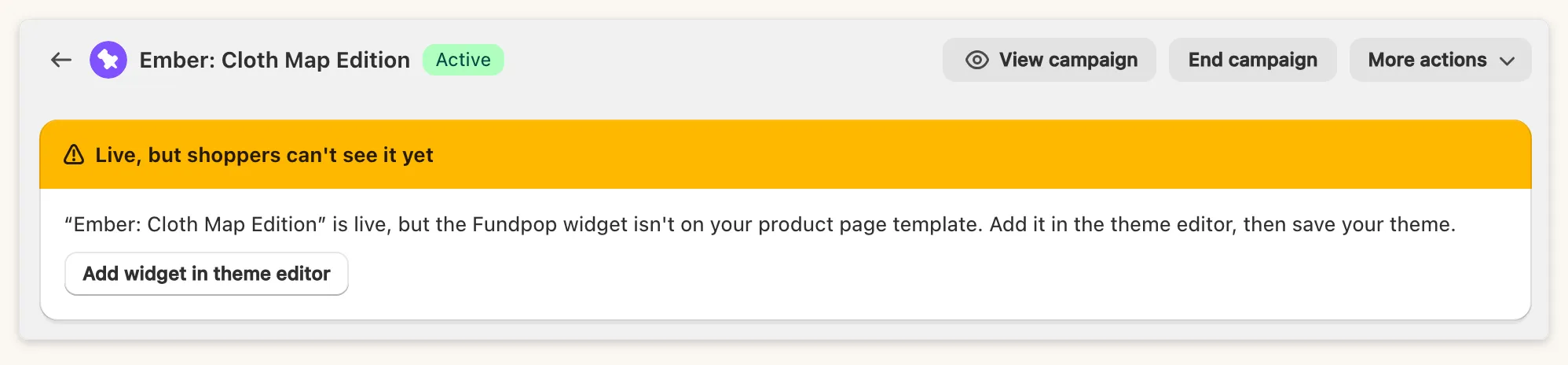
- On the campaign page: “Live, but shoppers can’t see it yet”, with Add widget in theme editor or Turn on widget in theme editor.
They cover only a widget that is missing or hidden in your theme. If the banner is not there, the cause is probably in steps 3 to 5 below.
Checklist, in order
Section titled “Checklist, in order”- The widget is in your theme. Open the Widgets page. Not installed means the block is not in the theme yet. Add it in the theme editor and click Save.
- It is not Hidden. Hidden reads “Installed but not visible in your theme. Open the theme editor and toggle it on.” Use the eye icon on the block to show it, then save.
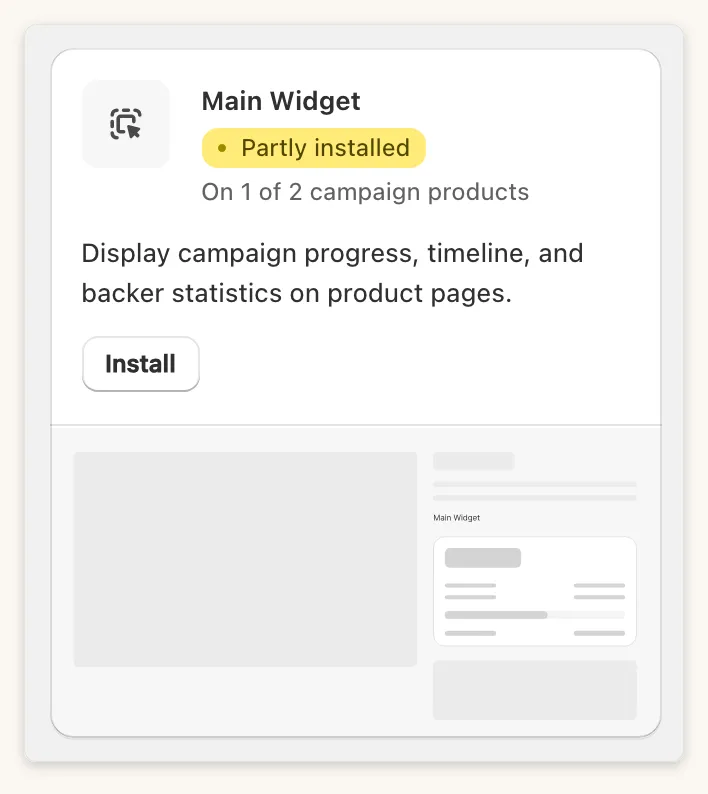
- It is on the right product template. Partly installed means a template is missing it: “Add it to every product template your campaign products use.” A block added to the
producttemplate does not cover products on an alternate template such asproduct.<suffix>. Add the block to each template your campaign products use. If the status reads “We can’t check this template automatically”, open the template yourself. - The campaign is in a visible state. Active and Stretched are live. Pending shows only if you turned on the display option for pending campaigns, and Ended only if you turned on display after the campaign ends.
- The Shopify product is visible. For the Main Widget the product must be Active or Unlisted, not Draft. The Featured Campaign and Campaign Gallery widgets show only Active products.
- Your plan covers the widget. Reward Tiers and Product Card Display show Upgrade required on Standard.
Product Card Display is not a block. Turn on Fundpop App Embed under App embeds in the theme editor.
Still stuck
Section titled “Still stuck”Send the shop domain, the campaign name and the product link to support.