

Create your first campaign
· Any plan · 3 min
Open Campaigns and choose Create campaign. The form walks through General, Fundpop widget, products, goal, duration, order options, then advanced features.
General and Fundpop widget
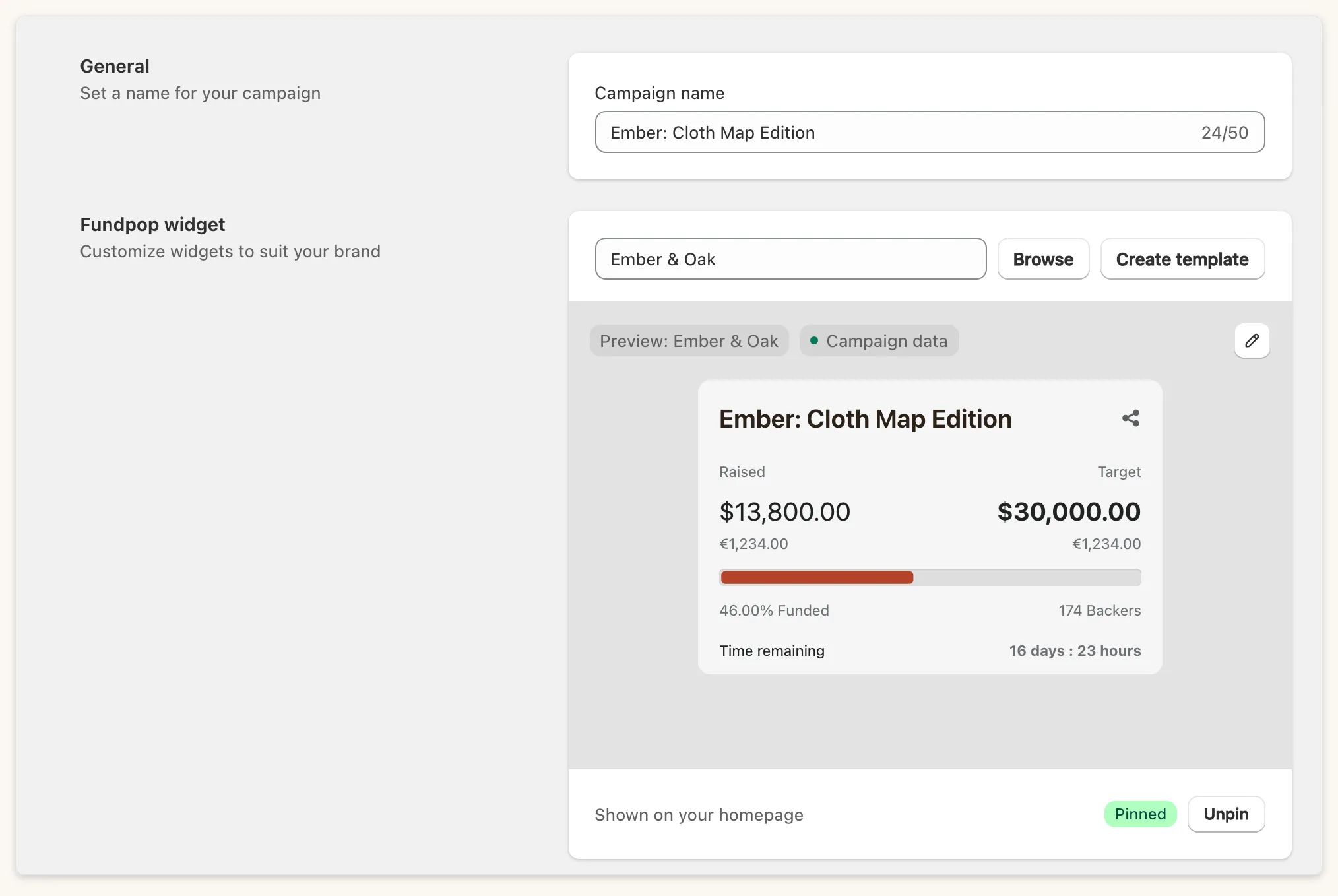
Section titled “General and Fundpop widget”Give the campaign a Campaign name (this is not the Shopify product title). Pick a widget template, or Browse or Create template. To show this campaign on your homepage, tick Pin campaign (“Show this campaign on your homepage”). The Fundpop widget must also be on your homepage template. See Page templates.
Products
Section titled “Products”Use Select products. The picker shows how many you have chosen (for example 3/5): up to 5 products on Standard and Pro, and up to 25 on Premium. Drag to set the order the Featured and Gallery widgets use.
A product can belong to only one unfinished campaign at a time. The picker disables Draft products, bundles, out-of-stock products, and products already used in another campaign, milestone or reward tier, and tells you why.
Campaign goal
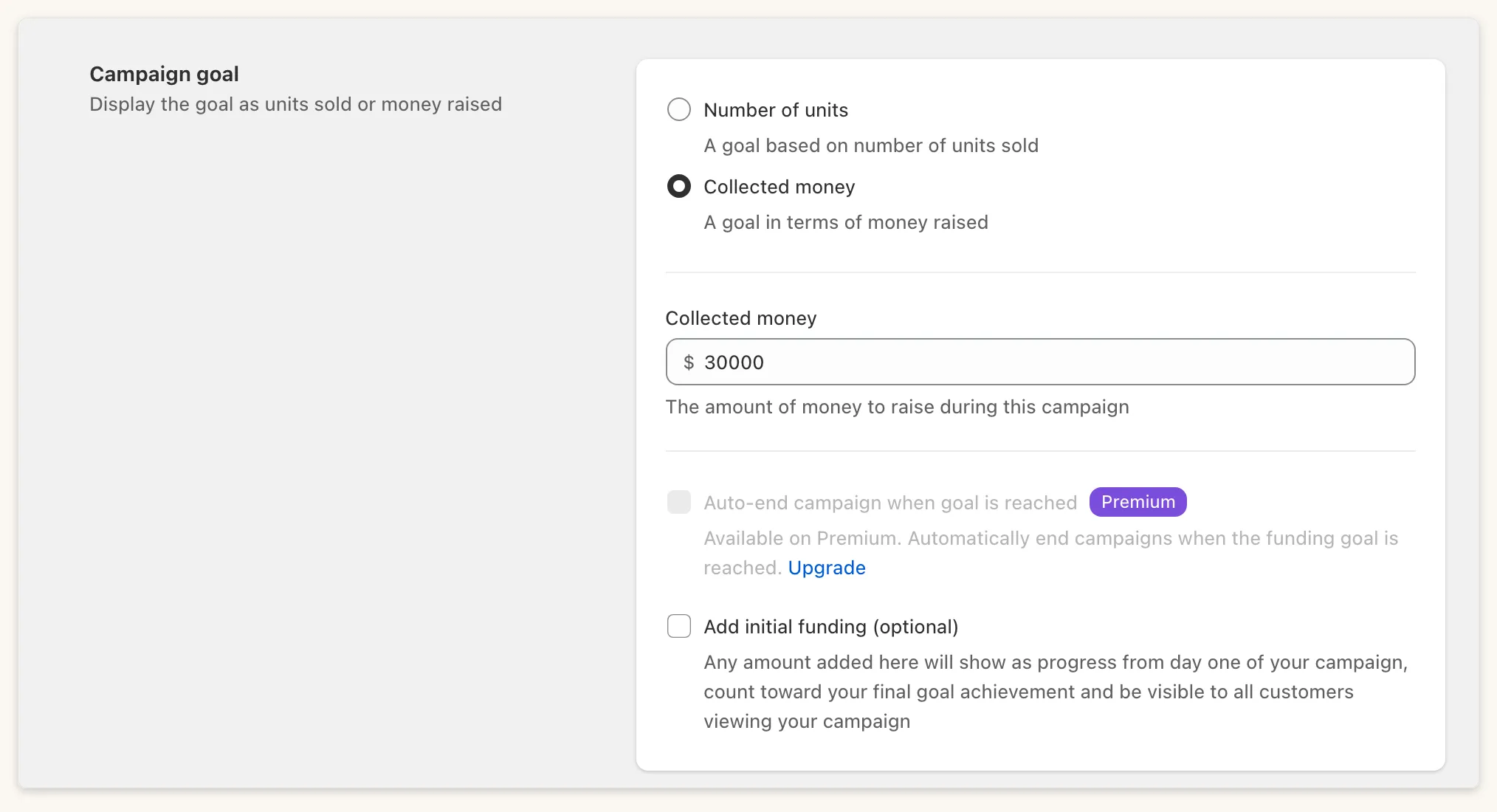
Section titled “Campaign goal”Choose Collected money or Number of units. Premium can enable Auto-end campaign when goal is reached. Add initial funding shows as progress from day one, counts toward your final goal, and is visible to customers, so use it only for real prior sales.
Campaign duration
Section titled “Campaign duration”Choose Launch now or Schedule launch time, then set the end date. Under Display the Fundpop widget, tick While your campaign is pending and/or After the campaign ends (this is how Stretched happens). Prevent sales while pending appears only for a scheduled launch with While your campaign is pending ticked.
Order options
Section titled “Order options”The order option and the goal lock once the campaign launches.
Order now
Section titled “Order now”Ordinary paid checkout. Reward tiers are available here on Pro and Premium.
Pre-order
Section titled “Pre-order”Needs Shopify Payments. Choose All-or-nothing campaign or Flexible campaign. Under Payment options and pledge fee, set the pledge fee as a fixed amount (capped at the price of your cheapest campaign product) or a percentage (up to 99). Set the Selling plan name shoppers see at checkout. Reward tiers are not available for Pre-order.
Worked example
Section titled “Worked example”Ember & Oak creates Ember: Cloth Map Edition as Order now with a $30,000 money goal, 30 days, the Main Widget template with the stretch goals bar, and Early bird, Standard and Collector reward tiers.
Common questions
Section titled “Common questions”Why is my campaign Draft? The checklist on the campaign page lists blockers. See Test before you launch.
Can shoppers see it while Pending? Only if While your campaign is pending is on.